Talking to Frank
Where to find Frank, the first interview, pictures in the chat and what each plan gets.
Where do I find Frank?
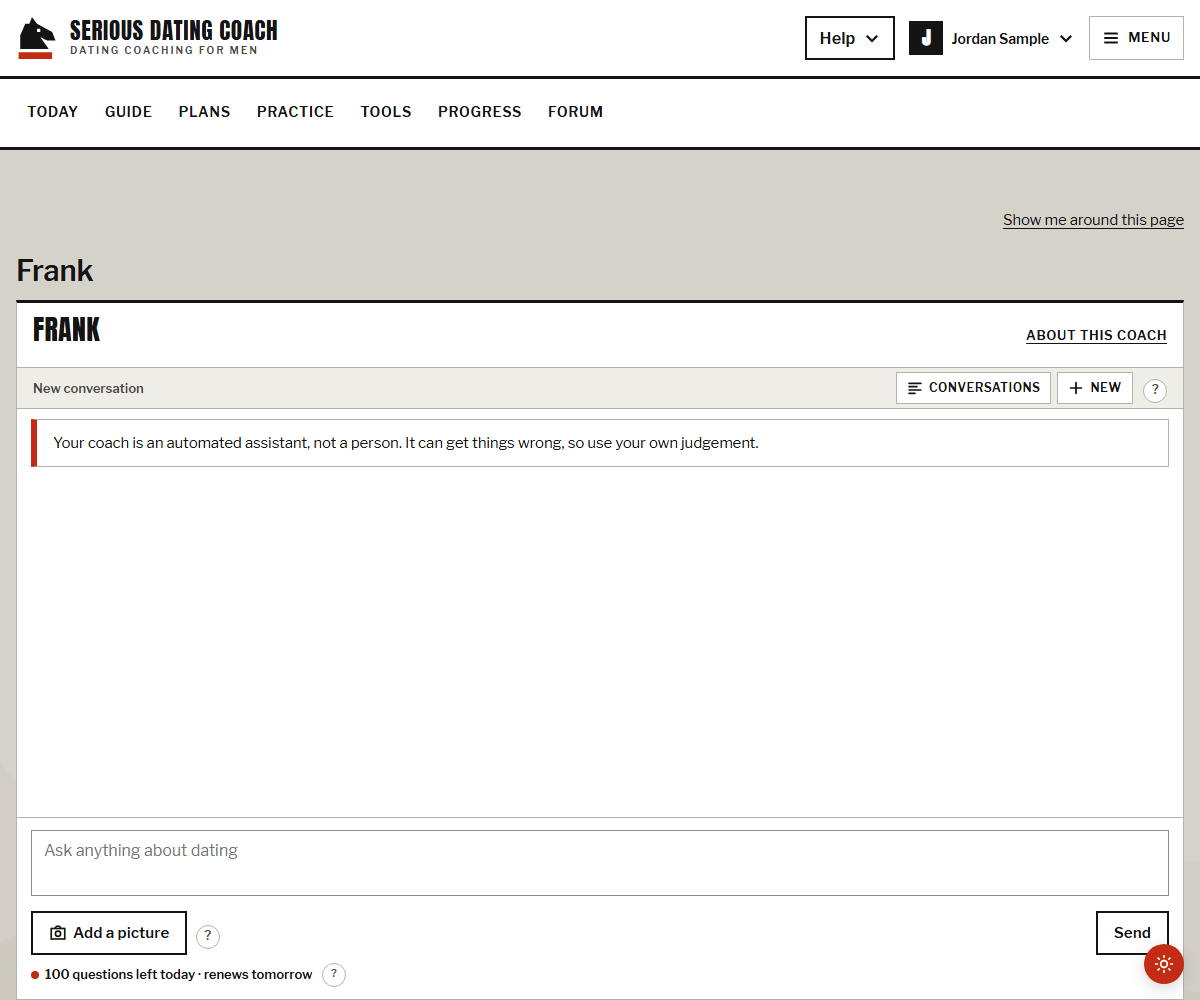
Press the round chat button at the bottom right of any page in the member area. Frank opens beside the page you are on, or full screen on a phone.
Choose Open the full page for a bigger view. It is the same conversation everywhere, on your phone and your computer.
What is the first interview?
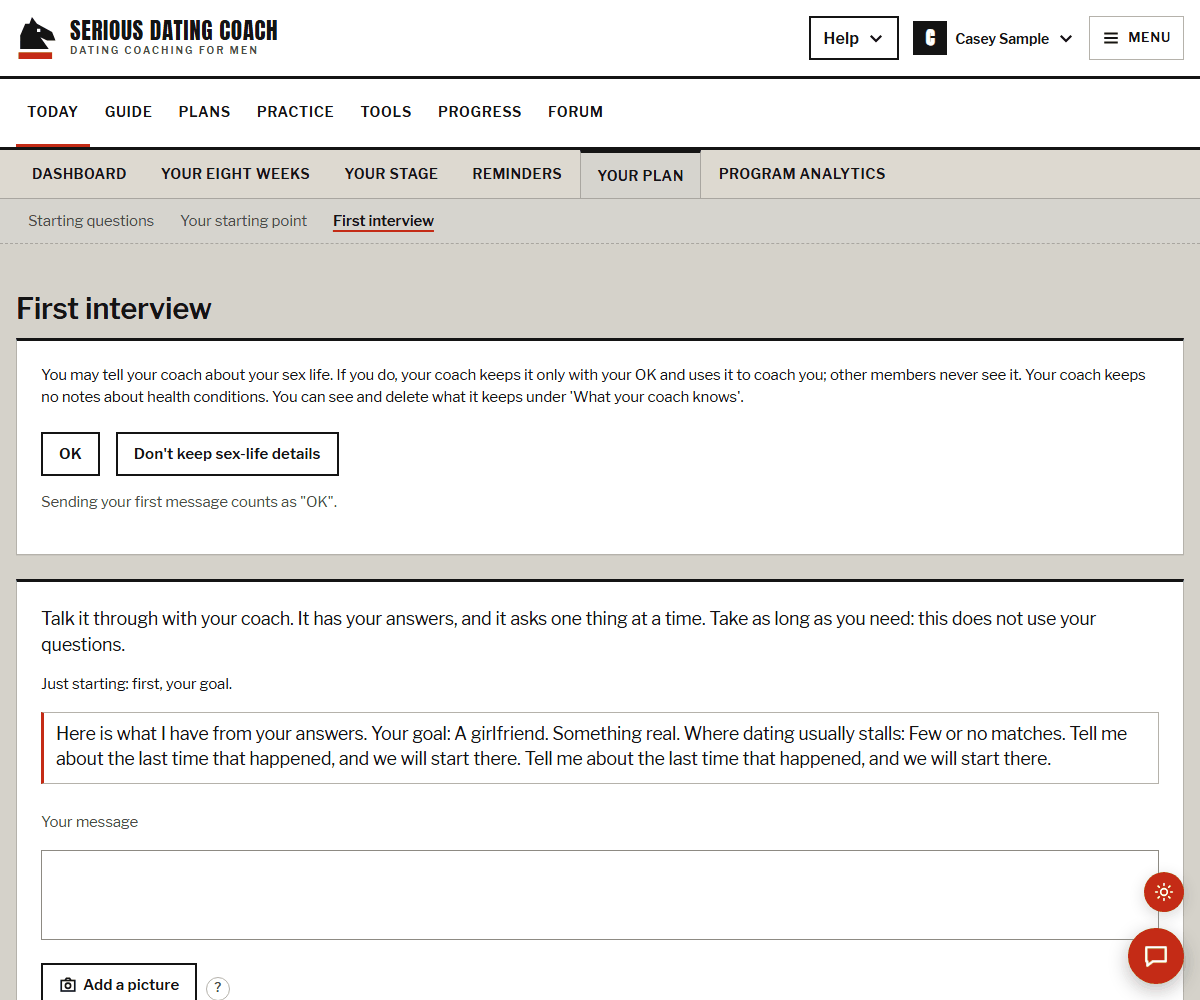
A conversation with Frank right after the starter questions. He has your answers, asks one thing at a time and follows up on what you say.
It is part of every plan, takes as long as it needs, and never uses the questions your plan gives you. The page tells you where it stands, and Frank sums it up at the end.
Can I do the first interview again?
Yes, once each calendar month, free. It starts from what Frank already knows and asks what has changed. Your earlier interviews are kept.
Find it under Your answers in your account menu. Open Your answers
How do I send Frank a picture?
- Choose Add a picture beside the message box, paste a picture into the box, or drop it on the conversation.
- Send it with your message, or on its own.
Up to 3 pictures in one message, JPEG, PNG or HEIC, up to 10 MB each. Pictures you send are kept with your photos and count toward the photos your plan keeps.
How many questions does my plan give me?
Each plan's numbers are on Pricing and on the Frank page, read from the plans themselves. Plan and billing shows how many you have used and when they come back.
The first interview and its monthly redo never count. See what each plan gets
Is Frank a person?
No. Frank is an automated assistant, set up for one job: your dating. The chat says so at the top of every conversation.
Can I stop an answer or start again?
Press Stop to end an answer while it is being written. Start a new topic any time; Frank keeps what he knows about you.
Can I rate or report an answer?
Yes. Under each answer, choose Helpful or Not helpful. Choose Report and pick a reason if an answer was wrong, unsafe or unfair. Every report is read.
Start with what is in your way.
Free plan. No card needed. 18+.